7 WordPress Plugins for Making a Killer Content
WordPress Plugins
WordPress has succeeded in making blogging more sustainable. It’s not limited to written text. WordPress can handle various media types, such as images, audio, and video files. Bloggers, as well as website owners, absolutely adore this platform because the WordPress plugin has gotten better. Increasing numbers of WordPress plugins are added to reflect what’s going on in the online medium. You’ll only need a handful of them to create killer content and get noticed.  How WordPress Can Help You Create Good Content With WordPress Plugins? …
How to fix the “508 Resource Limit is reached” Error?

508 Resource Limit is reached
What does the “resource limit is reached” mean? The “resource limit is reached” means that the server hosting the website has exhausted its allocated resource limits and cannot fulfill your requests. These resources can be either incoming requests memory storage, CPU usage, and bandwidth. In other words, you can understand it as, whenever you visit a website of your choice, the browser or client sends a request to the origin server i.e. server hosting the website. …

How To Use SSH To Connect To Your Server Securely [Guide]

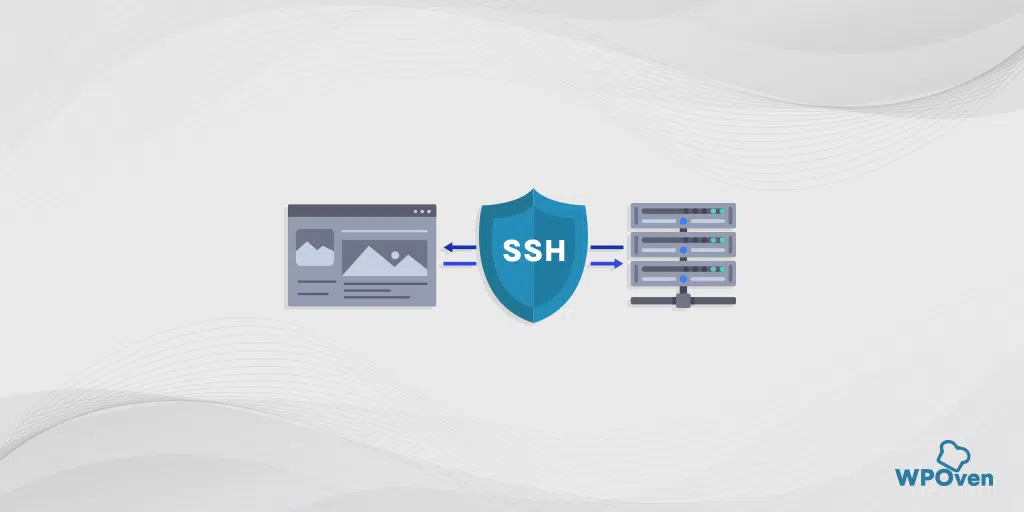
How To Use SSH
How to use ssh is something that is not expected from any regular WordPress user. They prefer to access their website either through the WordPress dashboard or using FTP clients like Filezilla. But many of the users are unaware of the fact that apart from these regular methods, there is also a more secure and fast method available through which a user can access their website server more securely. Hence, it can be one of the best and most valuable alternatives to accessing WordPress files from the server. …

Migrating from Webflow to WordPress: 8 Easy Steps

Webflow to WordPress
Are you looking to shift from Webflow to WordPress? The reason for such actions can vary from user to user. Depending on whether you are not satisfied with the current web design, your budget, features, flexibility, or customization of the website. Whatever the reason is, a website owner’s ultimate goal is to have a highly efficient website whose performance can easily boost, drive, and sustain high traffic, is rich in features, and has more flexibility to keep working in website development. …

How to Fix the “Webpage not available” Error in Chrome?

Webpage not available
Whenever you encounter an error message “Webpage not available”, it simply means that the browser cannot successfully establish a connection with the server and hence cannot fetch requested website content. This can happen due to multiple reasons; hence this error is vague, and you might have no idea why it is showing on your Chrome browser. The best approach to fix a Web page not available error is to figure out the underlying cause and then try to fix it accordingly. …